 Image 1 of 3
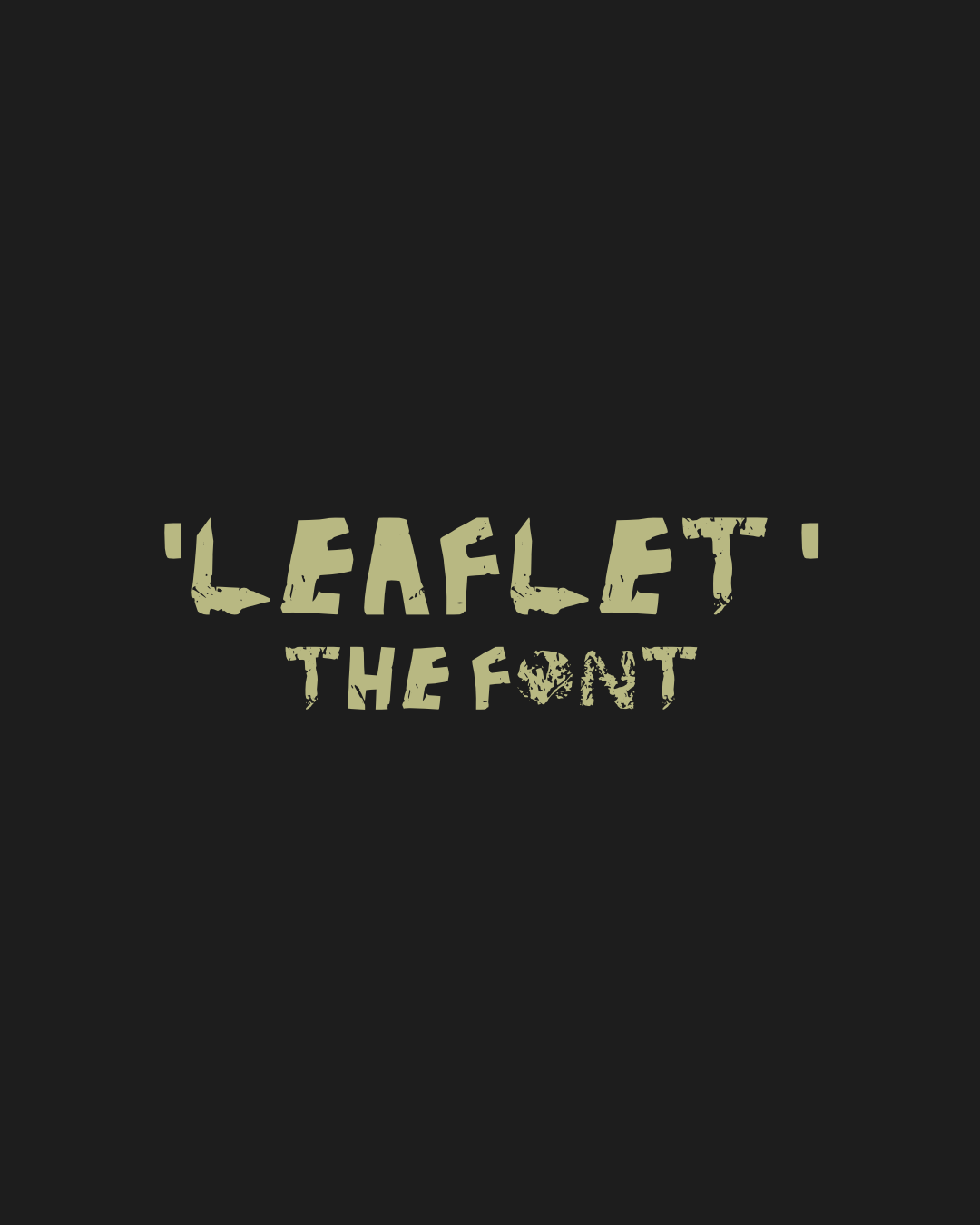 Image 2 of 3
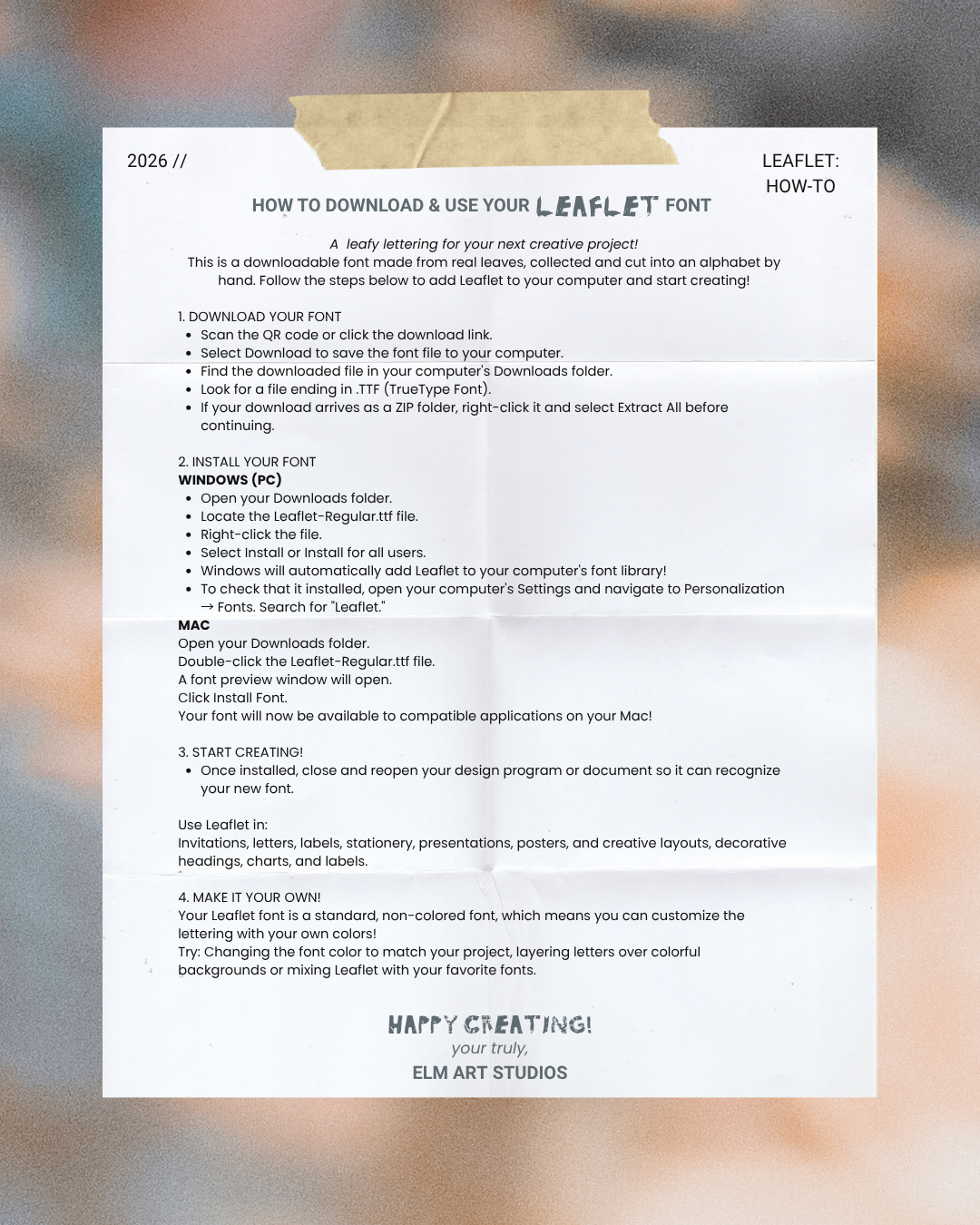 Image 3 of 3
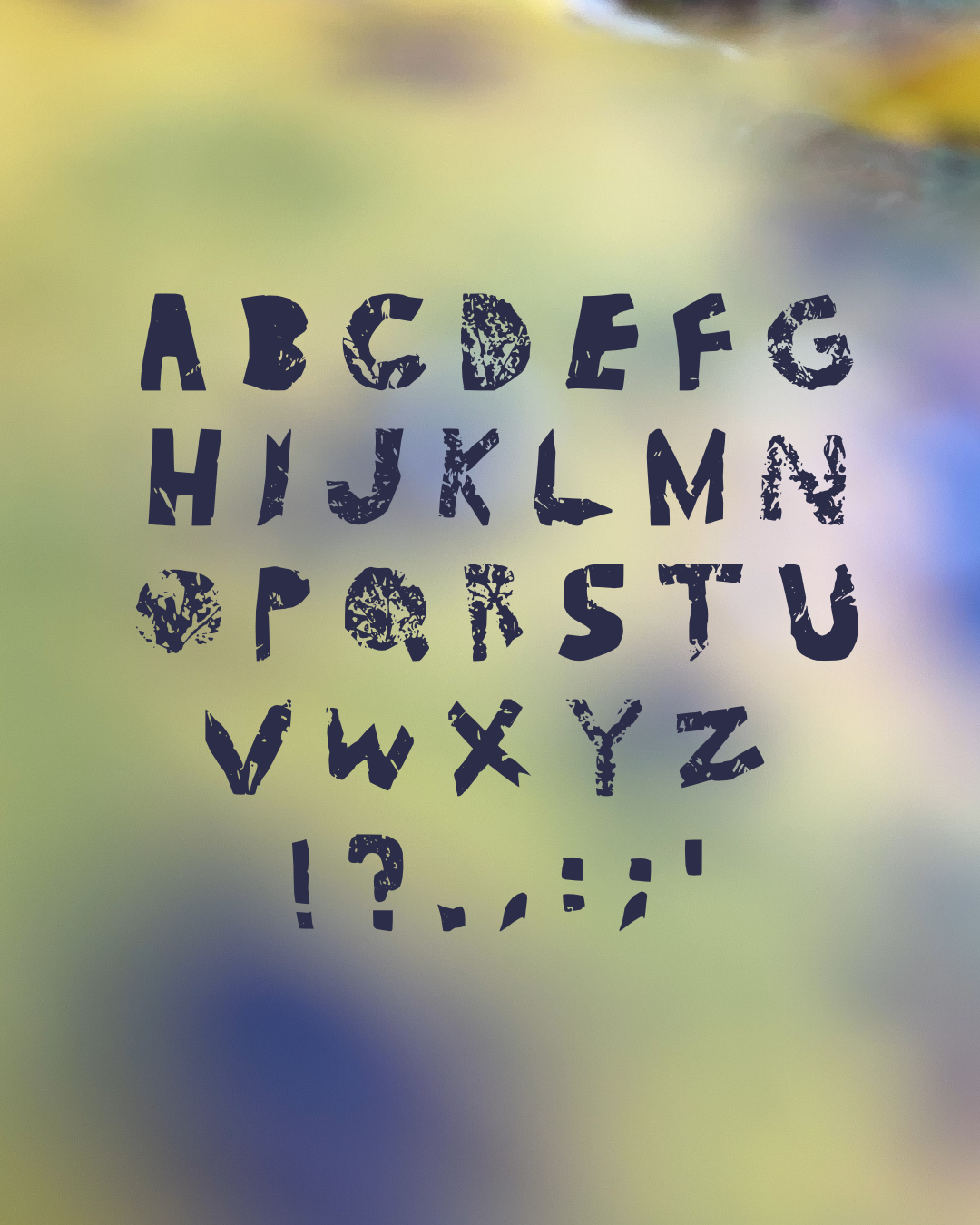
A leafy lettering for your next creative project!
This is a downloadable font made from real leaves, collected and cut into an alphabet by hand. Follow the steps below to add Leaflet to your computer and start creating!
1. DOWNLOAD YOUR FONT
Scan the QR code or click the download link.
Select Download to save the font file to your computer.
Find the downloaded file in your computer's Downloads folder.
Look for a file ending in .TTF (TrueType Font).
If your download arrives as a ZIP folder, right-click it and select Extract All before continuing.
2. INSTALL YOUR FONT
WINDOWS (PC)
Open your Downloads folder.
Locate the Leaflet-Regular.ttf file.
Right-click the file.
Select Install or Install for all users.
Windows will automatically add Leaflet to your computer's font library!
To check that it installed, open your computer's Settings and navigate to Personalization → Fonts. Search for "Leaflet."
MAC
Open your Downloads folder.
Double-click the Leaflet-Regular.ttf file.
A font preview window will open.
Click Install Font.
Your font will now be available to compatible applications on your Mac!
3. START CREATING!
Once installed, close and reopen your design program or document so it can recognize your new font.
Use Leaflet in:
Invitations, letters, labels, stationery, presentations, posters, and creative layouts, decorative headings, charts, and labels.
4. MAKE IT YOUR OWN!
Your Leaflet font is a standard, non-colored font, which means you can customize the lettering with your own colors!
Try: Changing the font color to match your project, layering letters over colorful backgrounds or mixing Leaflet with your favorite fonts.
HAPPY CREATING!
your truly,
ELM ART STUDIOS
A leafy lettering for your next creative project!
This is a downloadable font made from real leaves, collected and cut into an alphabet by hand. Follow the steps below to add Leaflet to your computer and start creating!
1. DOWNLOAD YOUR FONT
Scan the QR code or click the download link.
Select Download to save the font file to your computer.
Find the downloaded file in your computer's Downloads folder.
Look for a file ending in .TTF (TrueType Font).
If your download arrives as a ZIP folder, right-click it and select Extract All before continuing.
2. INSTALL YOUR FONT
WINDOWS (PC)
Open your Downloads folder.
Locate the Leaflet-Regular.ttf file.
Right-click the file.
Select Install or Install for all users.
Windows will automatically add Leaflet to your computer's font library!
To check that it installed, open your computer's Settings and navigate to Personalization → Fonts. Search for "Leaflet."
MAC
Open your Downloads folder.
Double-click the Leaflet-Regular.ttf file.
A font preview window will open.
Click Install Font.
Your font will now be available to compatible applications on your Mac!
3. START CREATING!
Once installed, close and reopen your design program or document so it can recognize your new font.
Use Leaflet in:
Invitations, letters, labels, stationery, presentations, posters, and creative layouts, decorative headings, charts, and labels.
4. MAKE IT YOUR OWN!
Your Leaflet font is a standard, non-colored font, which means you can customize the lettering with your own colors!
Try: Changing the font color to match your project, layering letters over colorful backgrounds or mixing Leaflet with your favorite fonts.
HAPPY CREATING!
your truly,
ELM ART STUDIOS